udStream
udStream is a 3D visualisation tool for analysing and interacting with large geospatial datasets, aimed at enhancing decision-making across various industries.
Overview
Goals and Objectives
Revitalise the udStream interface to enhance usability, ensure contemporary aesthetics, and improve overall user engagement.
Role
Progressed from UX/UI Designer to UX Team Lead, directing the UI/UX overhaul and new feature design.
Duration and Tools Used
~18 months of focused design work; Axure, Figma, Adobe Suite.
Problem Statement, Challenge & Approach
Problem Statement
udStream's original interface, built on a rigid legacy framework (ImGUI), faced challenges in navigation complexity and outdated design, affecting user satisfaction.
Challenge and Approach
Adopted a user-centred design approach, conducting competitor analysis, in-house team feedback, and iterative design processes to introduce a modern, intuitive UI within the constraints of the existing framework.
Design Process and Outcomes & Impact
Design Process
Engaged in user research, developed wireframes and prototypes, and implemented a feedback loop for continuous improvement, working closely with the development team to ensure feasibility.
Outcomes & Impact
The redesign enhanced user engagement and received positive feedback on usability improvements. Contributed to doubling software licence sales. Following the project's success, progressed to Team Lead, taking on leadership for ongoing and future product design.
Design Evolution
Wireframes
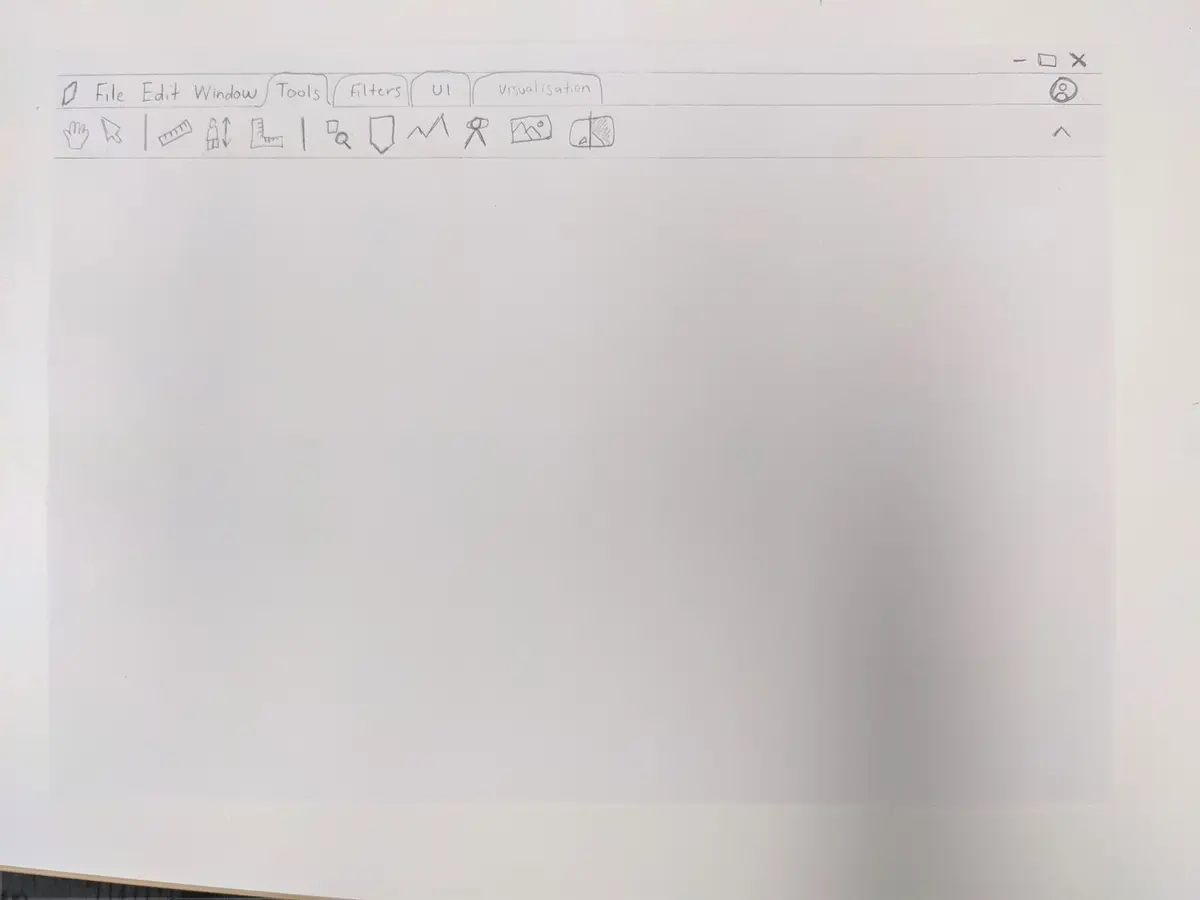
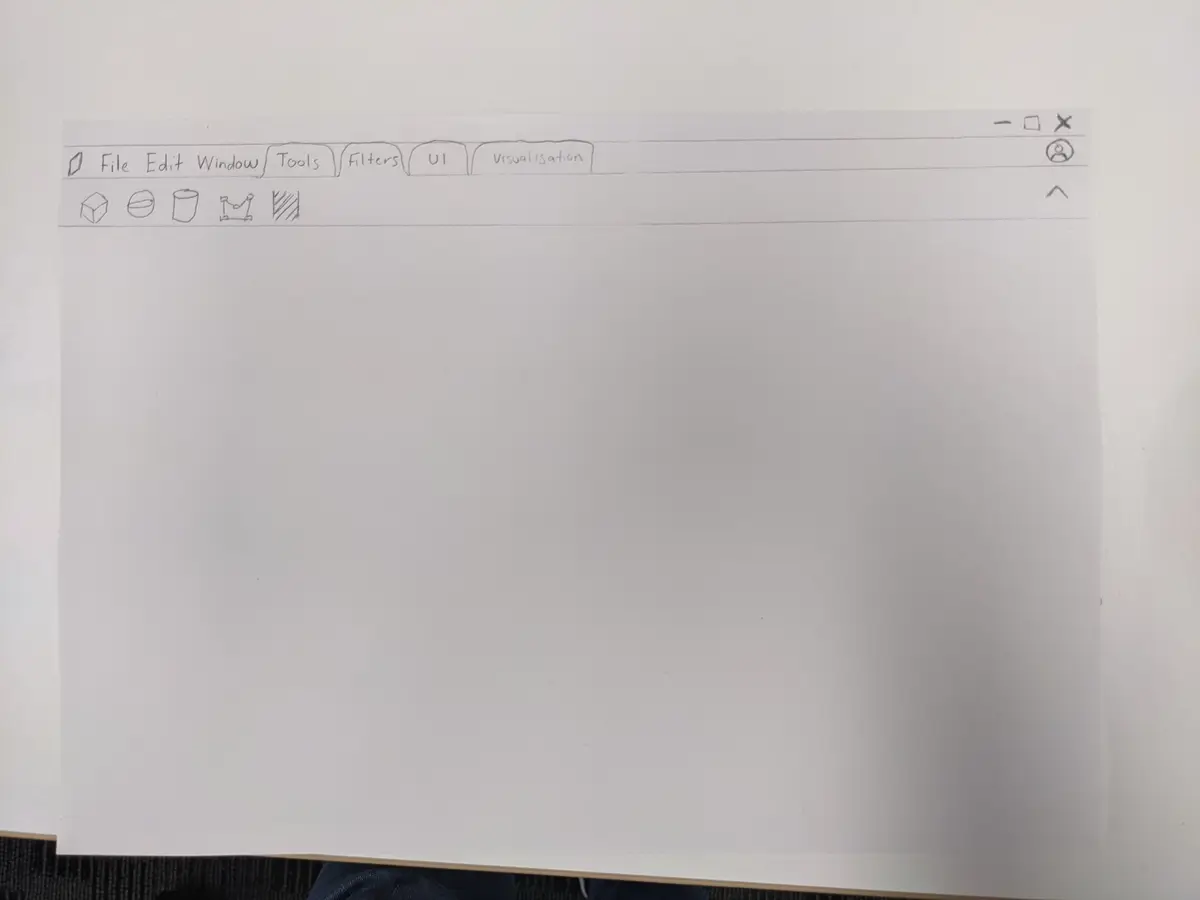
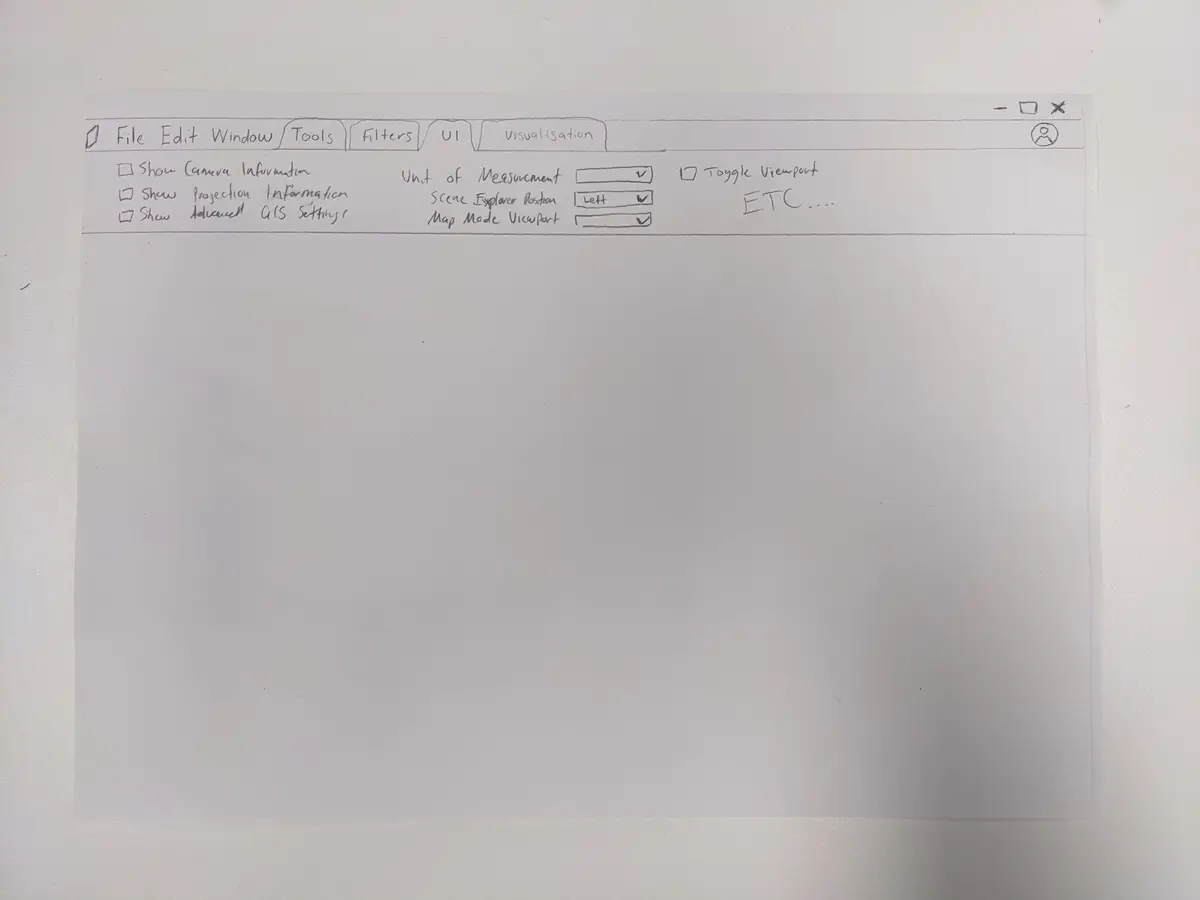
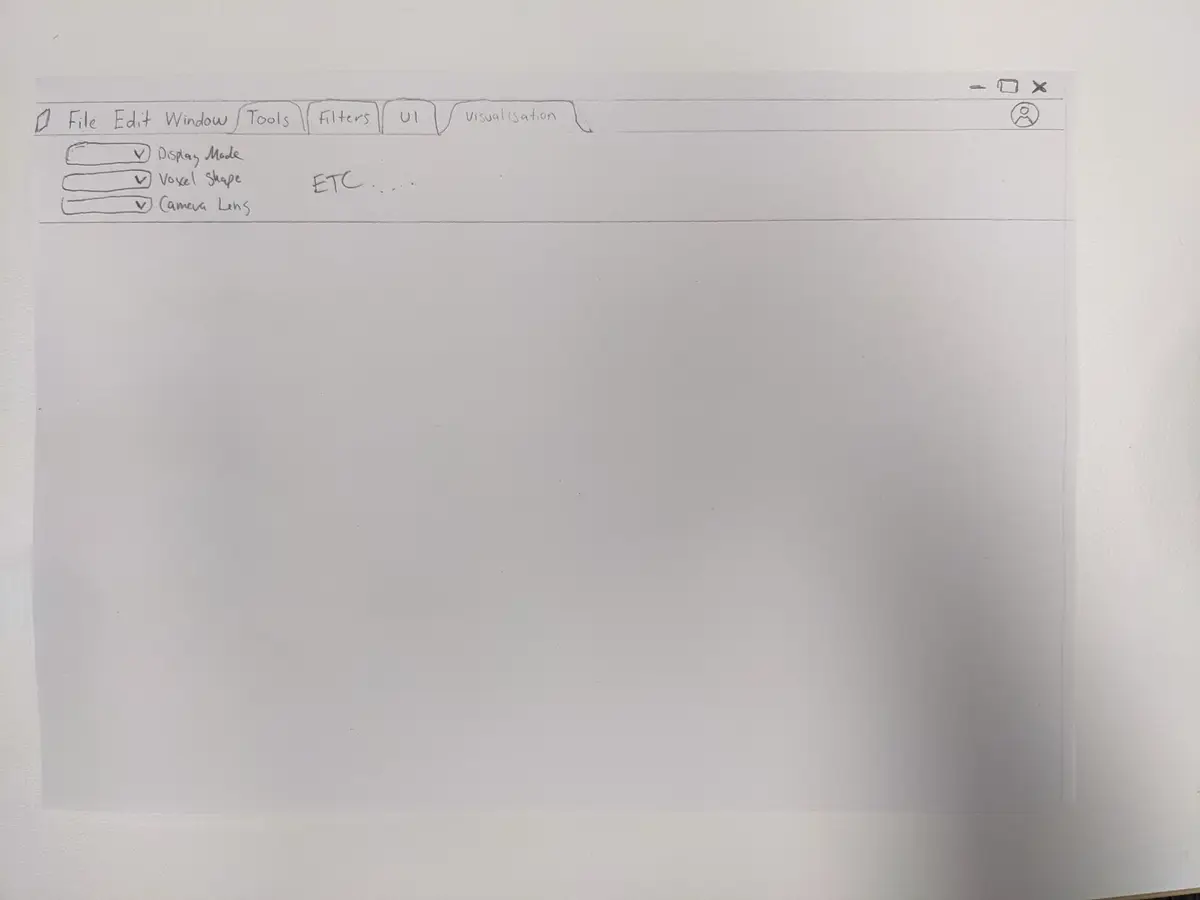
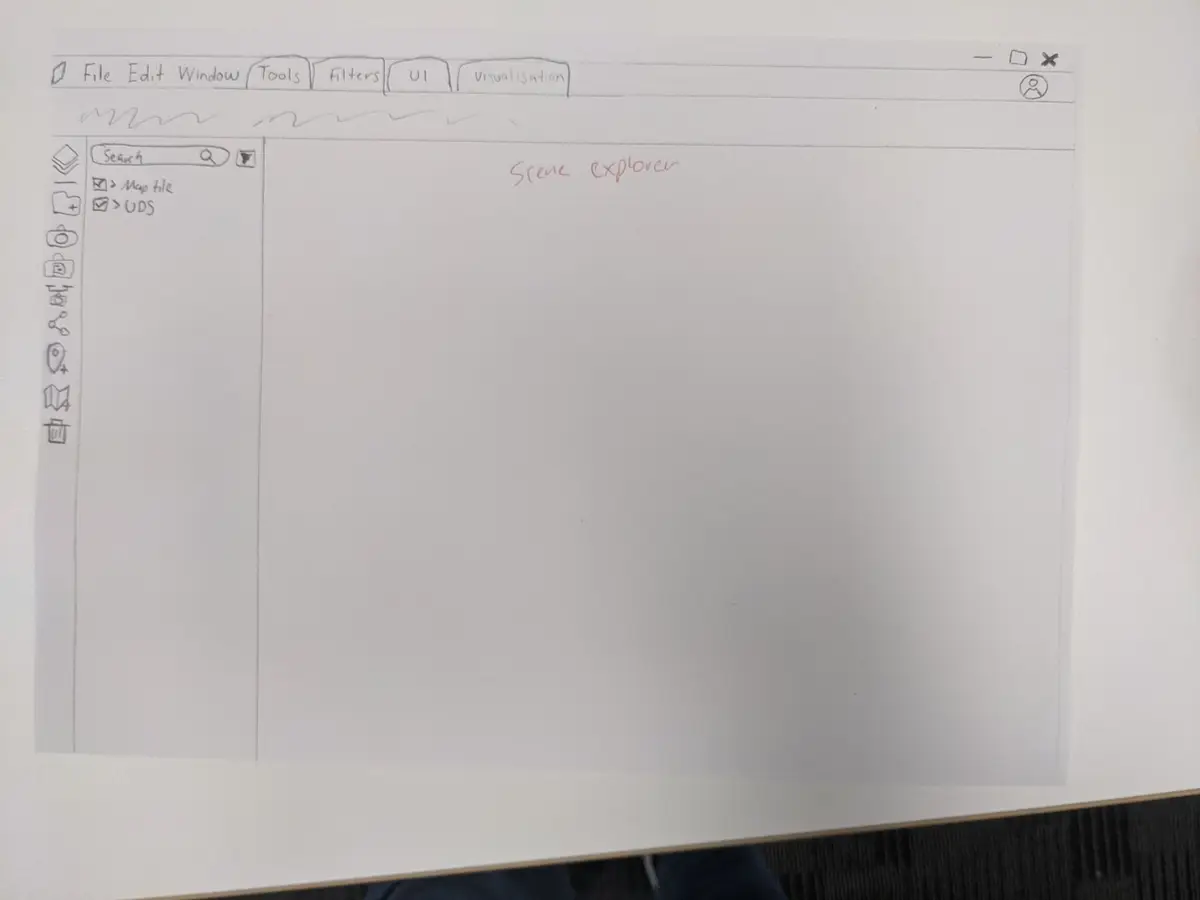
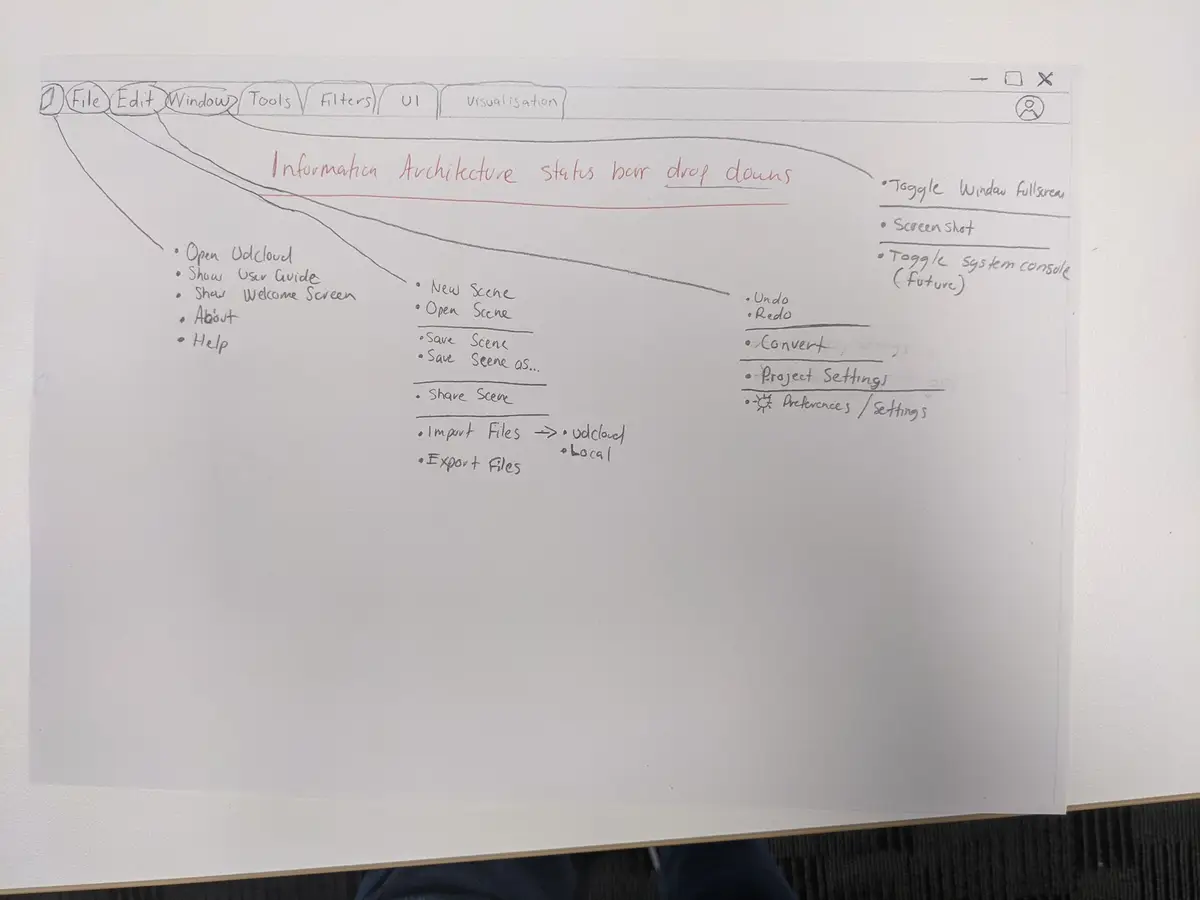
Early pencil sketches — these rough wireframes capture the initial conceptualisation and layout ideas, serving as the foundational blueprint for the design process.
Mockups
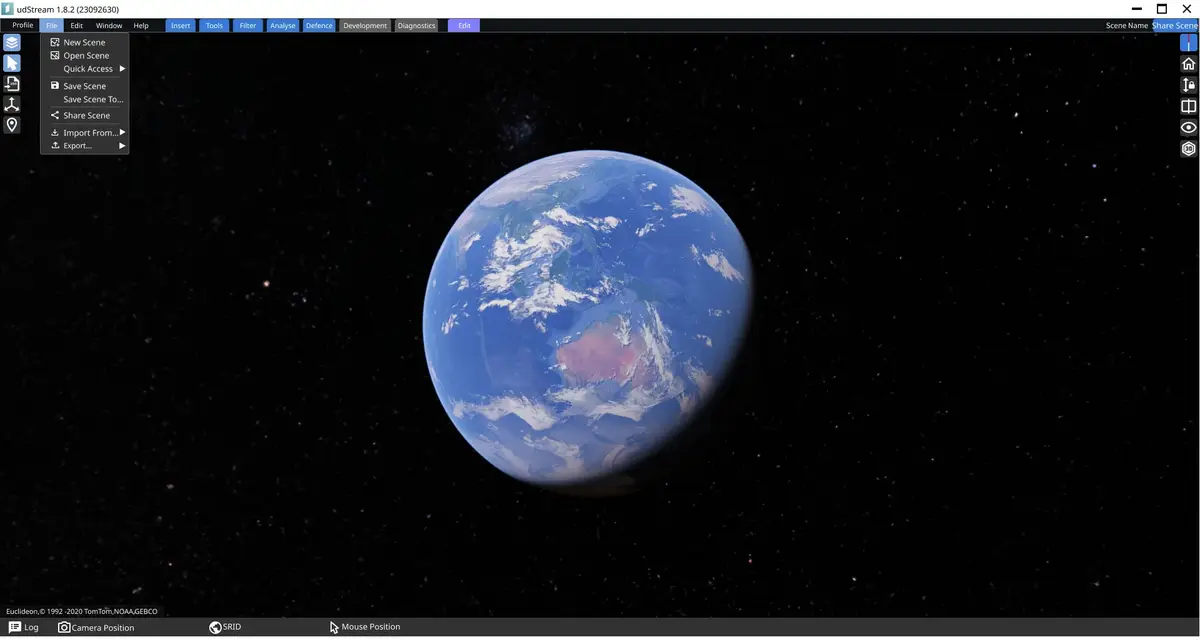
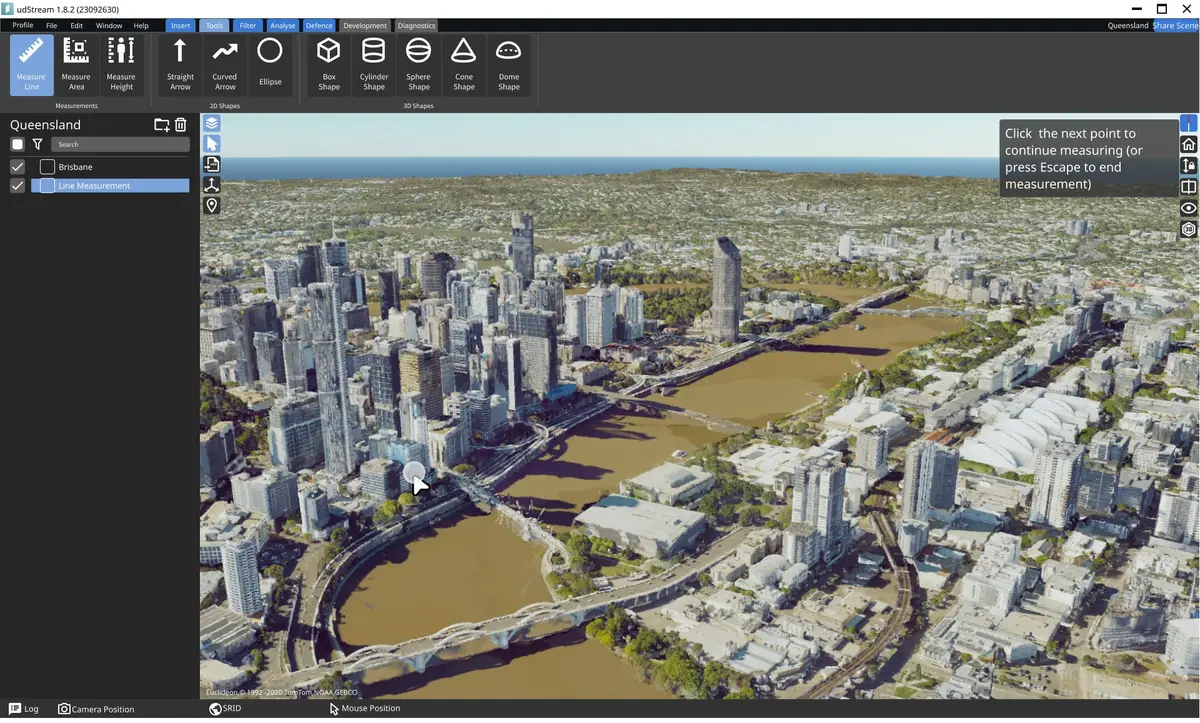
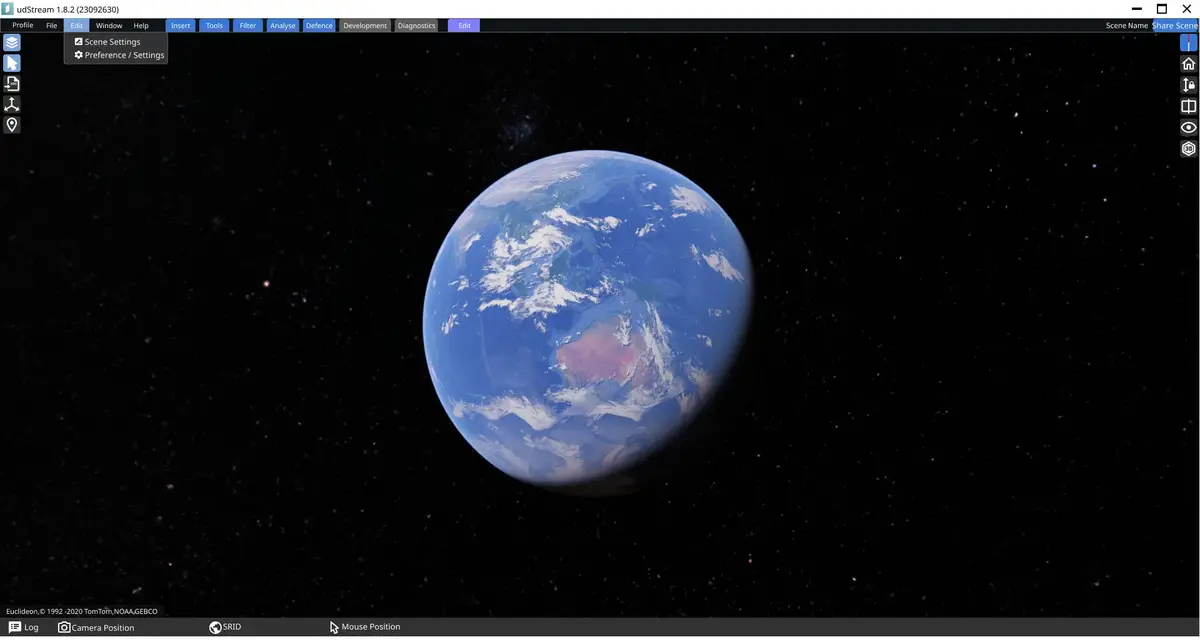
High-definition Figma mockups — evolved from initial sketches, these detailed mockups showcase the refined UI design, illustrating the progression toward the final, polished interface.
UI Evolution: udStream Before & After
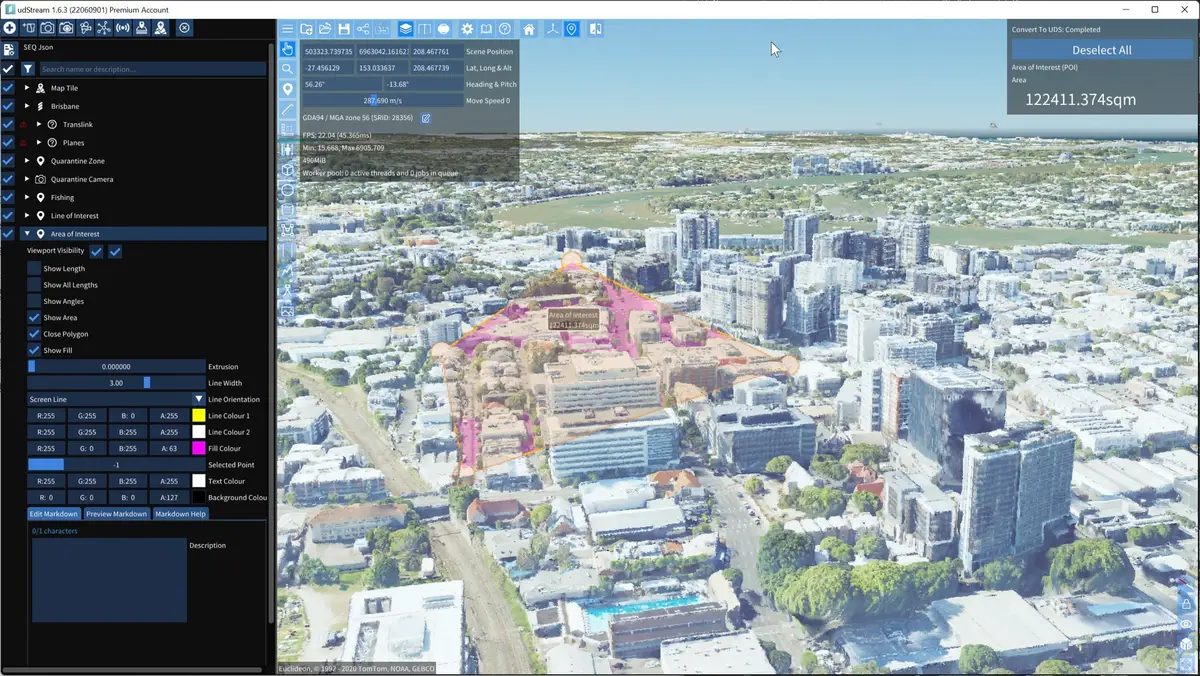
Before
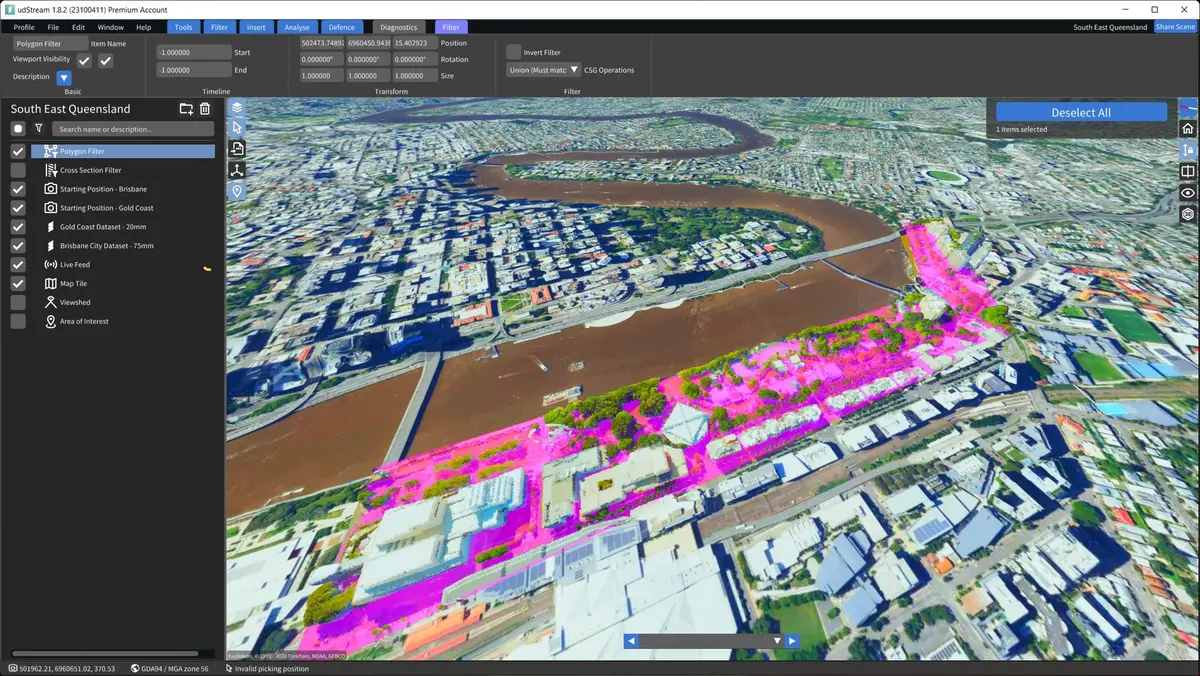
Pre-revamp interface showcasing the need for enhanced navigation and modernisation.
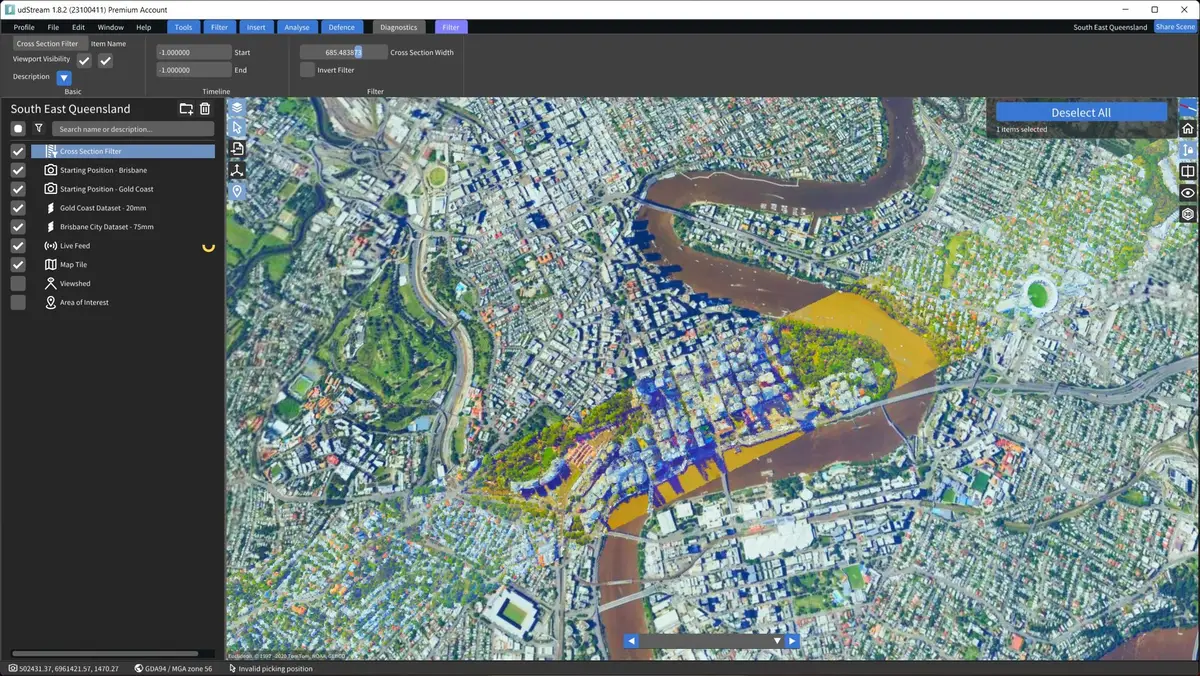
After
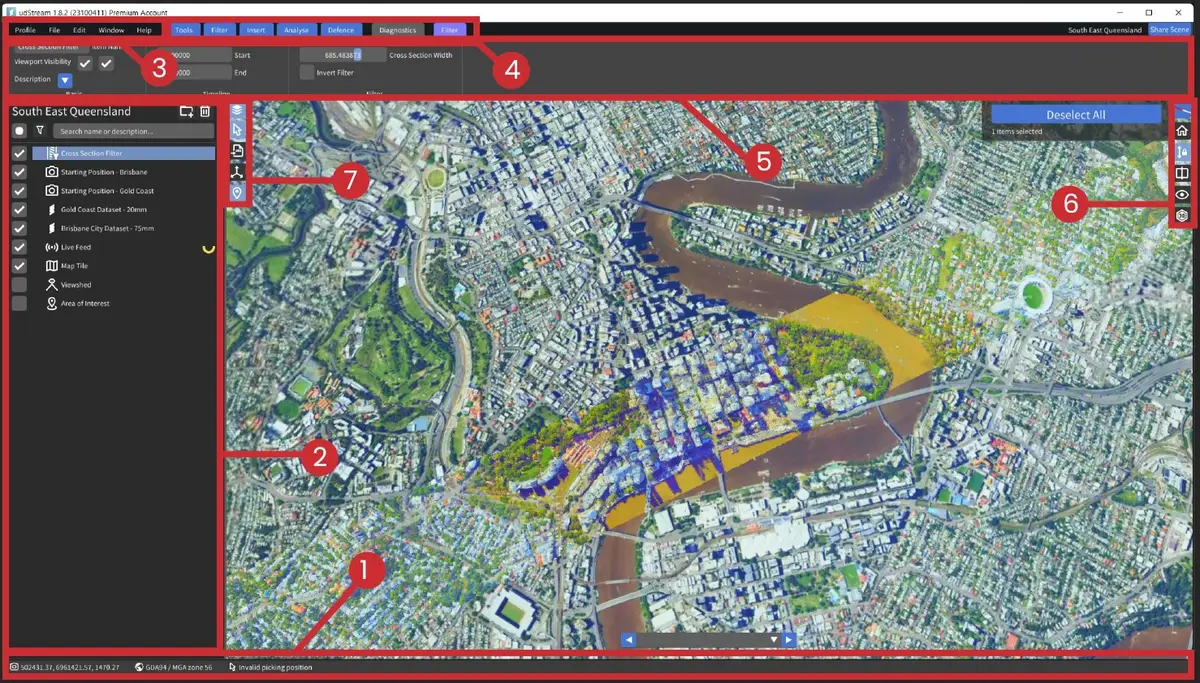
Post-revamp UI displaying streamlined user pathways, updated visual design, and improved accessibility.
UI Evolution: Analysis and Improvements
Before: Identifying Issues
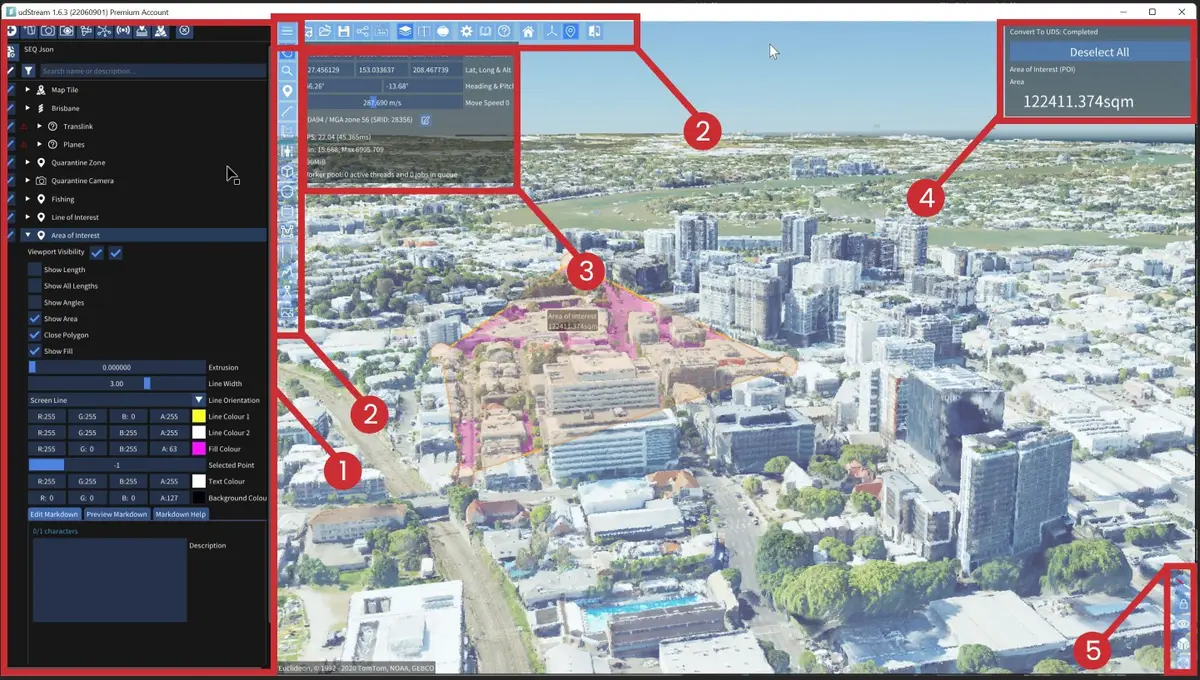
- Scene Explorer Clutter: Expanding scene items cluttered the interface, pushing other items down and making navigation confusing.
- Embed Screen UI Confusion: Presented in a confusing L-shape, mixing primary options with a cluster of tools, overwhelming users.
- Excessive Real Estate for Status and Camera Info: Panels occupied too much screen space, detracting from workspace efficiency.
- Scene Item Information Overload: Information was excessively detailed, taking up valuable screen space.
- Inconvenient Camera Navigation: Navigation icons were inconspicuously placed and not intuitively grouped.
- Unappealing Colour Palette: The default ImGui colour palette resulted in a boxy, rigid appearance.
After: Implemented Solutions
- Streamlined Status Bar: Introduced a clean, minimalistic status bar at the bottom, expandable for detailed information.
- Revamped Scene Explorer: Now features pertinent icons at the top, enhancing usability and relevance.
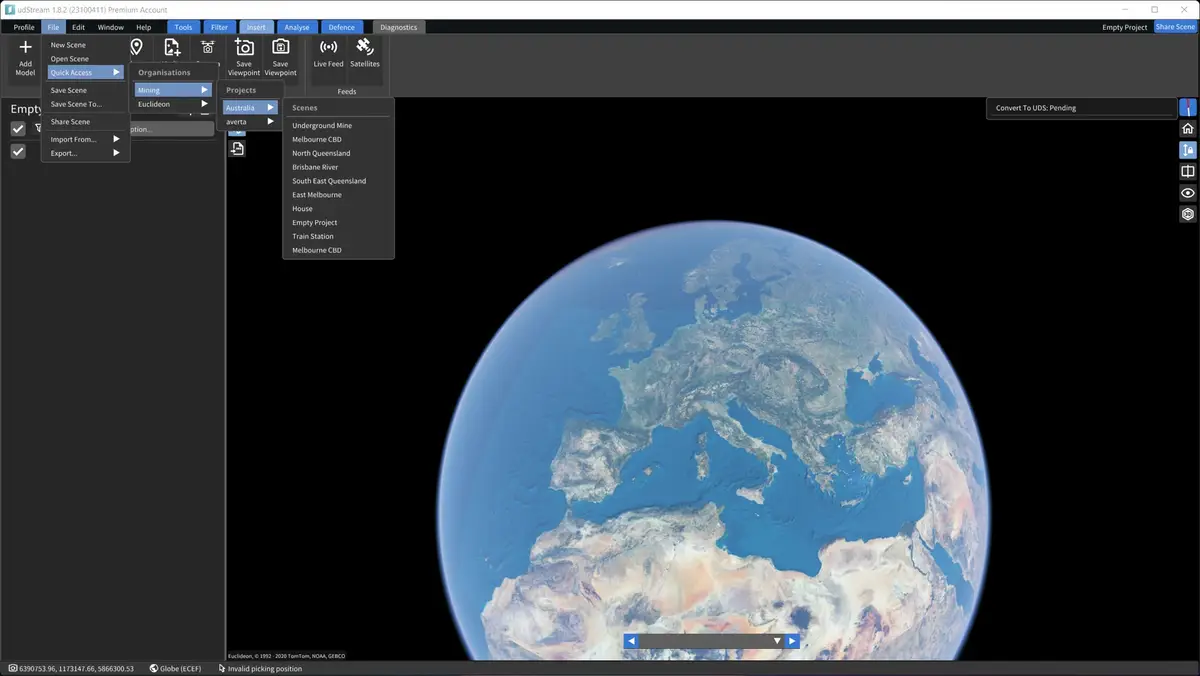
- Standardised Menu Bar: Implemented a standard menu bar with Profile, File, Edit, Window, and Help dropdowns.
- Efficient Tab System: Organises tool editing and item selection, co-located with the menu bar.
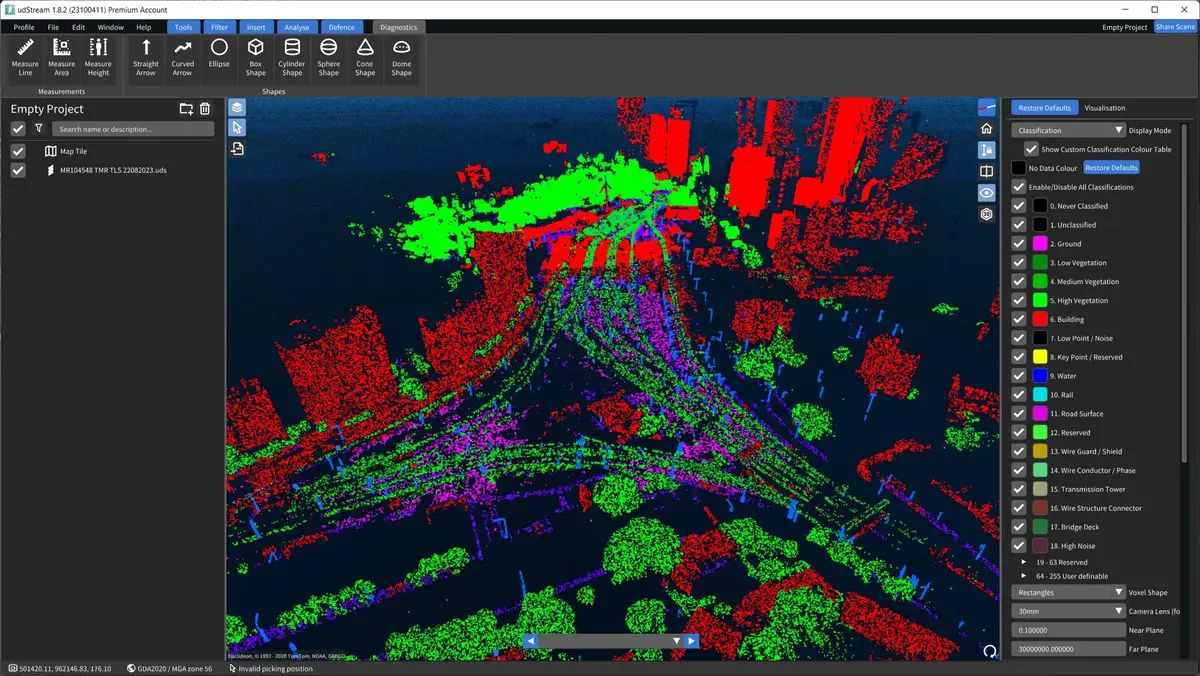
- Ribbon Bar for Tool Access: Inspired by Microsoft Office, dynamically displays tools based on the active tab.
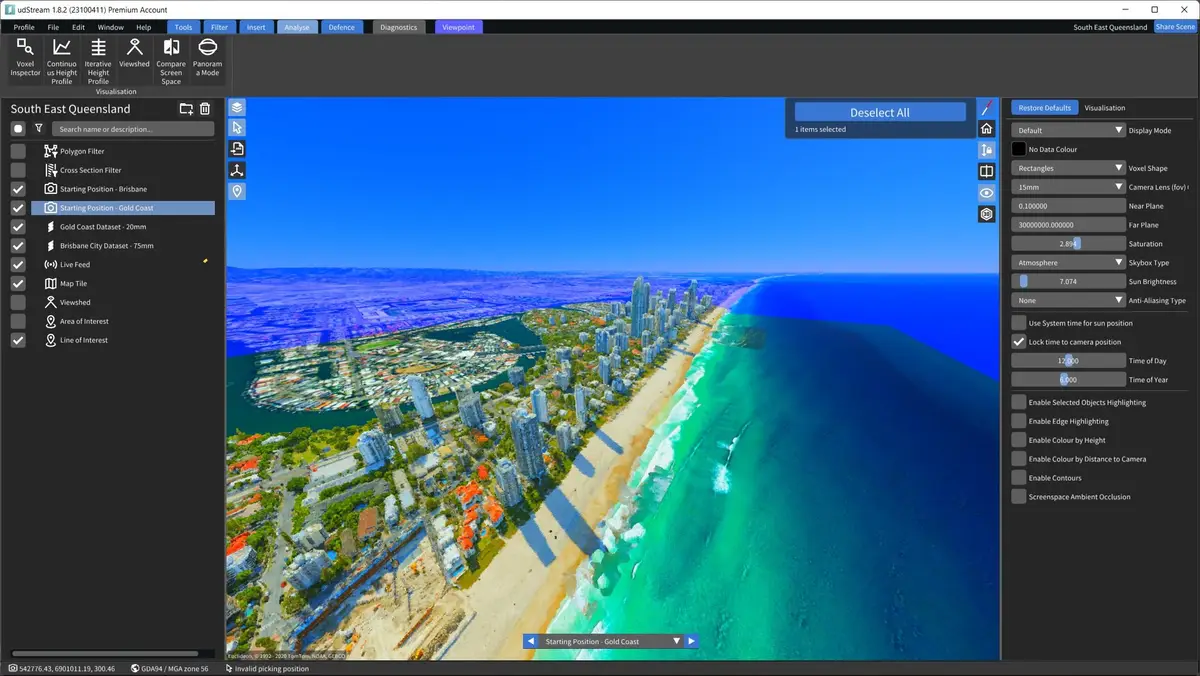
- Enhanced Navigation and Customisation: Logically grouped navigation with a fresh colour palette elevating the aesthetic.
- Refined UI Icons: Simplified and standardised for more intuitive navigation.